Run every aisle from one view
Connect checkout activity to stock, purchasing, pricing, finance, and FBR workflows. Oyo suggests the next action while managers control exceptions.
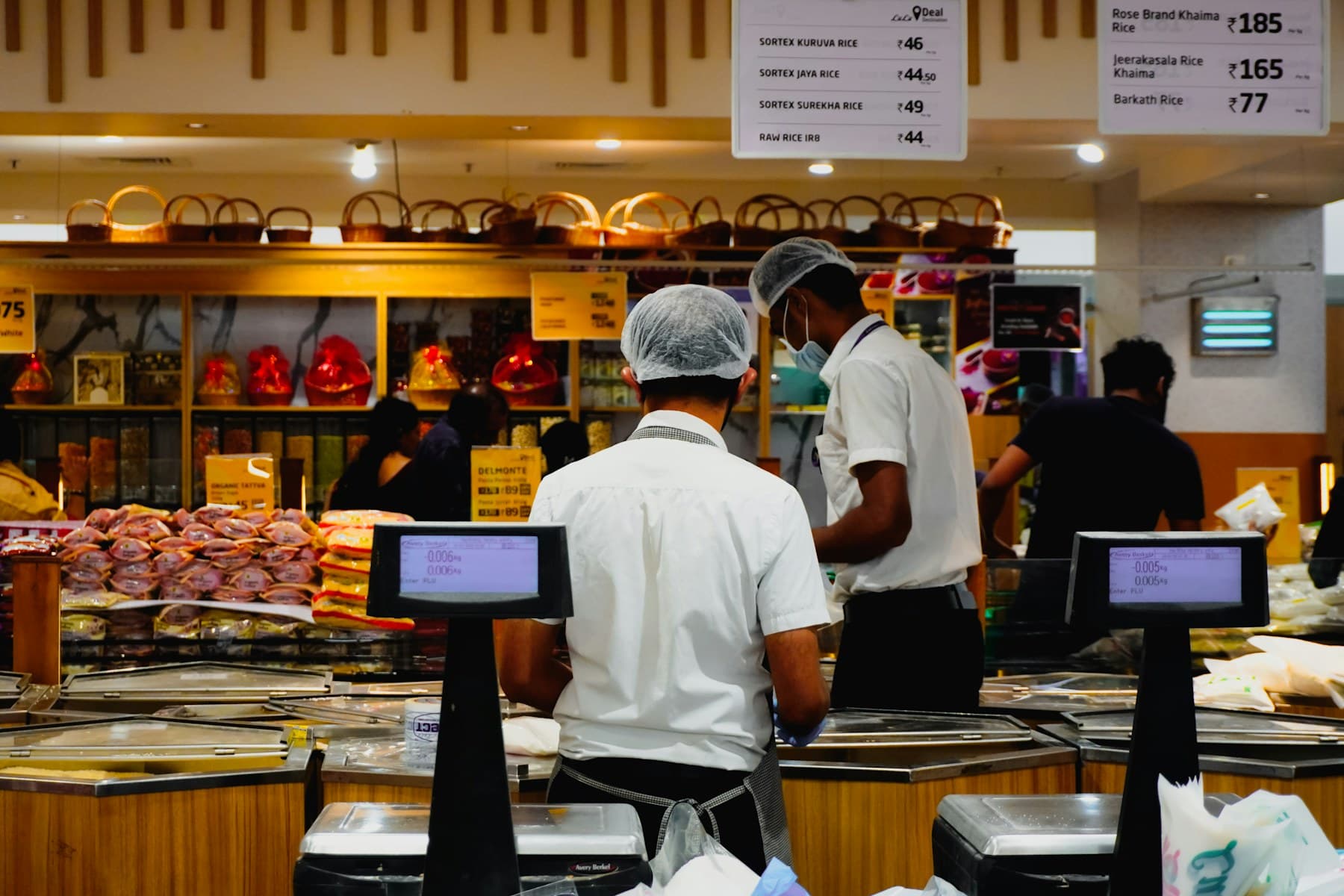
- 01
Keep high-demand products available
- 02
Reduce expiry and price execution gaps
- 03
Reconcile every lane, shift, and payment channel
Illustrative operating workflow
This is a configurable supermarket workflow. Device, scale, payment, loyalty, and FBR compatibility require technical validation.
Where work starts to break
These are the recurring operating gaps the workflow is designed to surface and route.
Shelf gaps appear before the system reacts
Store demand, backroom stock, incoming supply, and shelf replenishment can move at different speeds.
Price changes are difficult to verify
Promotions, shelf labels, POS prices, and effective dates need one controlled source.
Expiry is spread across thousands of items
Teams need a clear order for markdown, transfer, return, hold, or disposal decisions.
Cashier variances need context
Cash, card, refunds, voids, coupons, loyalty, and shift handover can create noisy investigations.
From signal to recorded action
Each stage has an owner, a clear output, and a record the next team can trust.
- 01Checkout
Sell and validate
Apply the approved barcode, weight, price, promotion, loyalty, payment, and tax rules.
Validated sale
- 02Store Operations
Update availability
Post the sale, update store stock, and identify shelf or backroom replenishment needs.
Availability and task queue
- 03Buying and Warehouse
Replenish and transfer
Prepare supplier orders or branch transfers using stock cover, lead time, and expiry.
Approved replenishment
- 04Finance and Store Manager
Close and reconcile
Match lanes, tenders, returns, voids, cash, settlement, and FBR response.
Close record and exceptions
Important activity, clearly explained
Oyo shows what happened, why it matters, and what your team can check next.
Approval is the default
Sensitive commercial, financial, quality, and inventory actions remain with authorized people.
- Manager review
Shelf gap
Protect on-shelf availability
- When Oyo flags it
- A fast-moving item reaches its configured shelf or store threshold.
- Suggested next step
- Creates a shelf task, transfer proposal, or purchase recommendation using current evidence.
- Manager control
- Orders stay within approved vendor, quantity, and budget limits.
- Manager review
Expiry risk
Reduce avoidable loss
- When Oyo flags it
- A batch enters its store or category risk window.
- Suggested next step
- Prioritizes markdown, transfer, supplier return, hold, or disposal review.
- Manager control
- Commercial and stock adjustment actions require approval.
- Manager review
Price mismatch
Keep pricing consistent
- When Oyo flags it
- POS, promotion, label, or effective-date data does not agree.
- Suggested next step
- Identifies the affected item and store, then routes a controlled correction task.
- Manager control
- Only authorized users can activate a selling price.
- Manager review
Cash difference
Explain lane differences
- When Oyo flags it
- A lane or shift fails its configured settlement tolerance.
- Suggested next step
- Matches tenders, refunds, voids, handovers, and settlements to isolate the variance.
- Manager control
- Write-offs and disciplinary decisions stay with authorized people.
One operating record
Retail POS
Multi-lane sales, weighted items, barcodes, tenders, refunds, and shifts.
Merchandising
Assortments, prices, promotions, loyalty, and effective dates.
Inventory
Store stock, backroom, batches, expiry, transfers, counts, and shrinkage.
Buying and Finance
Suppliers, replenishment, receiving, settlements, cash, and margins.
FBR POS Integrated
High-volume retail requires controlled submission, receipt references, QR handling, retries, and reconciliation without slowing checkout.
Review the FBR workflow- Validate required fields at checkout
- Store FBR response with the retail transaction
- Print the correct QR and reference
- Monitor failed or duplicate submissions
Throughput, outage behavior, returns, and supported devices must be tested in the customer's target environment.
Start with one controlled flow
Configure around real roles, rules, data, and approvals before expanding the operating footprint.
- 01
Map stores, lanes, items, units, barcodes, prices, promotions, and tender rules.
- 02
Validate scanners, scales, printers, payments, loyalty, and FBR dependencies.
- 03
Configure permissions for prices, refunds, voids, adjustments, and closing.
- 04
Start with one lane and shift before store-wide rollout.
Show us how the work really moves
Bring one availability, expiry, price, promotion, or cashier closing challenge. We will map the complete workflow.